
Stay ahead of problems on your WordPress sites
Automatic checks catch code issues, file changes and email problems, with clear guidance on what to do next. Update Analyzer checks plugin and WordPress updates before you install them. Manage all your sites from one dashboard and invite your team to help.
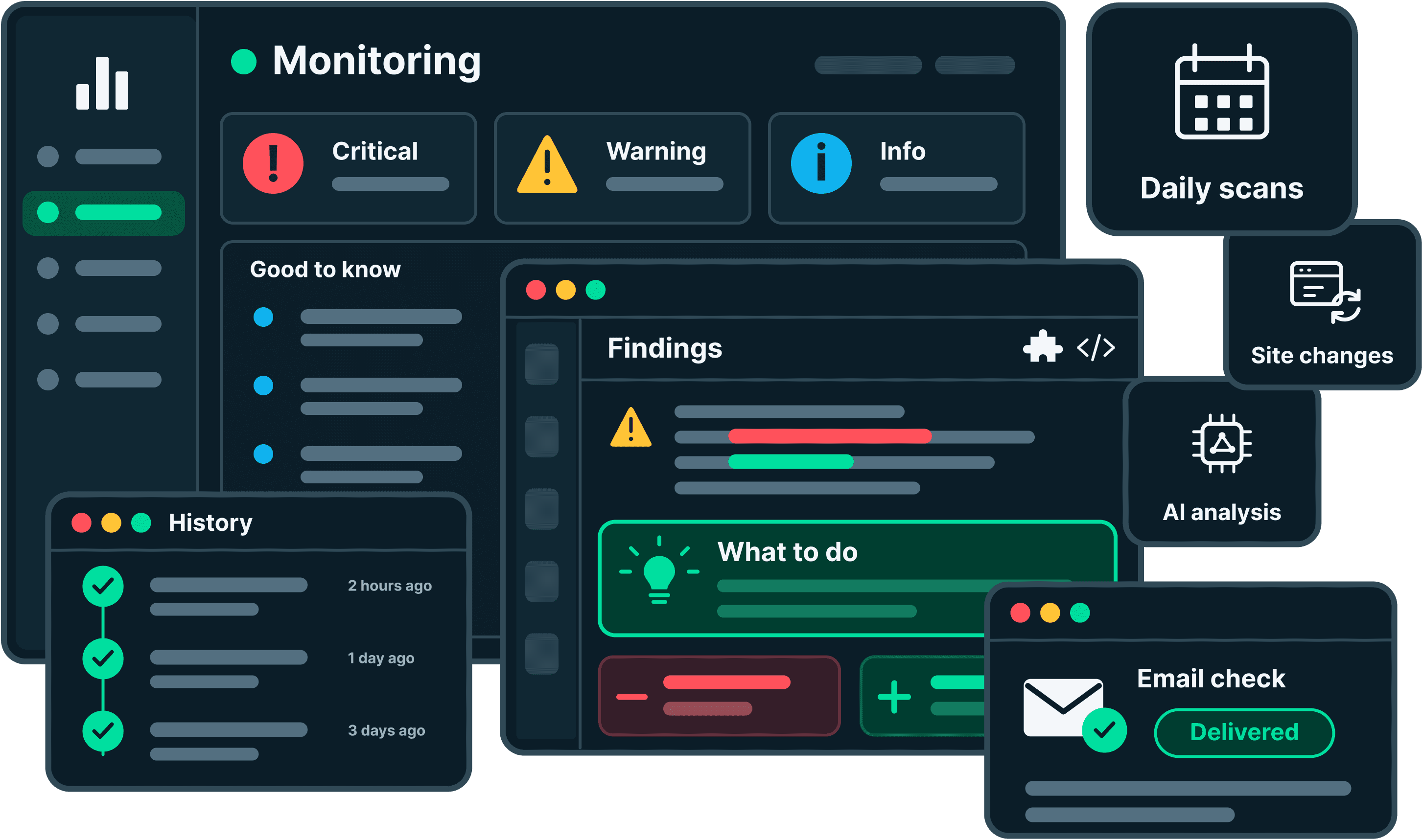
Check your sites automatically
EarlyGoose scans daily and after supported changes, such as plugin updates, theme switches and edits in the WordPress code editor. Daily scans also detect code changes made with external tools, such as a code editor or FTP client. Choose the scan time and change triggers for each site to keep reports current without starting every scan yourself.
Site Settings
harborstone.coThe selected times are approximate and depend on how quickly the website responds to our requests.
History
Scans and email checks on this site.
| When | Type | Trigger | Status | Duration | Result |
|---|---|---|---|---|---|
| Just now | Scan | Site change | Analyzing | Running | In progress |
| 3 hours ago | Scan | Site change | Done | 1m 52s | 8,412 files checked - 36 flagged |
| 9 hours ago | Scan | Daily scan | Done | 2m 7s | 8,406 files checked - 34 flagged |
| Yesterday | Email check | Scheduled | Delivered | - | Test message arrived |
| Yesterday | Scan | Manual | Done | 1m 44s | 8,406 files checked - 34 flagged |
| 2 days ago | Scan | Daily scan | Failed | 41s | Did not finish |
| 2 days ago | Email check | Scheduled | Delivered | - | Test message arrived |
| 3 days ago | Scan | Site change | Done | 1m 58s | 8,390 files checked - 31 flagged |
| 4 days ago | Email check | Manual | Failed | - | Test message never arrived |
| 4 days ago | Scan | Daily scan | Done | 2m 11s | 8,384 files checked - 29 flagged |
| 5 days ago | Scan | Daily scan | Done | 1m 51s | 8,377 files checked - 29 flagged |
| 6 days ago | Scan | Daily scan | Done | 2m 2s | 8,371 files checked - 27 flagged |
Get a deeper review of your code
Monitoring adds AI analysis of selected code to the standard checks, including premium plugins and custom themes. It looks for defects, performance problems and issues involving multiple files. Findings include an explanation, relevant file details and recommendations your developer can use to investigate.
Findings
What EarlyGoose found on this site
This is the code you, or whoever built this site, can change. Findings here are the ones you can act on directly, and on most sites this is where anything that was genuinely done wrong will be.
- CriticalThe theme calls a PHP function that no longer existsSequoiagallery.php
The Sequoia theme uses create_function(), which PHP 8 removed. This site runs PHP 8.1, so any page that loads the gallery template stops with a fatal error instead of showing.
Removed in PHP 8 (1)
wp-content/themes/sequoia/inc/gallery.phpline 57$sort = create_function( '$a, $b', 'return $a->menu_order - $b->menu_order;' );
What to doThis is your own theme code, so it can be fixed directly. Ask your developer to replace create_function() with an anonymous function, then check that the gallery pages load.
- WarningA session starts on every page loadSequoiafunctions.php
The theme opens a PHP session on every request, and a visitor with a session cannot be served a cached page. On a busy site that turns cheap cached responses into full PHP requests, and everything gets slower, not just the pages that needed it.
Starts a session (1)
wp-content/themes/sequoia/functions.phpline 24if ( ! session_id() ) { session_start(); }What to doThis is your own theme code, so it can be changed. Move the session behind the one page that needs it, or drop it if nothing reads it back, then confirm cached pages are being served again.
Keep track of file changes
Compare WordPress core, supported plugins and active themes with available reference copies to identify file differences. For custom code without a published version, EarlyGoose uses a recorded copy to track and review later changes. See which files need investigation and which direct edits could be lost during an update.
Scan coverage
Which files and packages the last scan checked, and how that has changed since the previous one.
| Name | Checked against | Integrity issues | Findings |
|---|---|---|---|
| WordPress core | 3,338 files | 1 critical | None |
| Name | Checked against | Integrity issues | Findings |
|---|---|---|---|
| SEO Toolkit | 2,844 files | 1 critical | 2 info |
| Duplicate Post Helper | 62 files | 1 warning | None |
| Contact Form X (premium) | No public copy, recorded baseline. | None | None |
| Name | Checked against | Integrity issues | Findings |
|---|---|---|---|
| Sequoia (active) | No reference available. | None | 1 warning |
Findings
Core files should match exactly what WordPress published for this version, so anything here that doesn't is worth dealing with.
WordPress.org publishes wp-admin/media.php as part of this version, and it isn't on the site. WordPress replaces its own files on every update, so putting the official copy back is the fix.
Every file here matches what its author published, so anything listed below is worth reporting to them.
The file wp-content/plugins/seo-toolkit/includes/class-sitemap.php in SEO Toolkit does not match the copy published by its author. EarlyGoose compares file contents, so this tells you the file is different, not who changed it or when.
The Duplicate Post Helper plugin contains a file at wp-content/plugins/duplicate-post-helper/includes/legacy-handler.php that the author does not publish. Extra files inside a package are worth checking, because a package update will not touch them.
Check updates for conflicts before you install them
EarlyGoose compares the PHP changes in each available WordPress core and WordPress.org plugin update with the code on your site, including your theme and custom plugins. If an update removes or changes something your code relies on, you see the affected file, the reason and a suggested action before you install it. Updates set to install automatically are not checked.
How Update Analyzer worksUpdates
| Package | Installed | Available | Automatic updates | Analysis status | Results |
|---|---|---|---|---|---|
| WordPress | 7.1 | 7.2 | Disabled in WordPress | Analysis in progress | Not assessed |
| Package | Installed | Available | Automatic updates | Analysis status | Results |
|---|---|---|---|---|---|
| SEO Toolkit | 4.0.2 | 4.2.4 | Disabled in WordPress | Completed | 1 potential issue detected |
| Gallery Lightbox | 2.9.1 | 3.0.0 | Disabled in WordPress | Completed | No matching PHP changes |
| Redirect Manager | 1.8.0 | 1.8.2 | Enabled in WordPress | Skipped | Not assessed |
| Duplicate Post HelperInactive | 4.6 | 4.7 | Disabled in WordPress | Not running | Not assessed |
| Package | Installed | Available | Automatic updates | Analysis status | Results |
|---|---|---|---|---|---|
| Contact Form X | 2.1.0 | 2.2.0 | Disabled in WordPress | Analysis not available | Not assessed |
| Harborstone Booking | 1.4.2 | 1.5.0 | Unknown | Analysis not available | Not assessed |
1 potential issue detected
The Sequoia theme builds page titles with a function that 4.2.4 removes. Those pages would fail as soon as this update installs.
Ask your developer to update the theme code before you install this update.
Installed release: seo-toolkit/includes/meta.php:88–96
Custom code: wp-content/themes/sequoia/inc/seo.php:41–43
Review each site’s coverage and setup
As you add plugins or change themes, use Coverage to see what EarlyGoose checked and which reference copies it used. Good to know brings important setup facts into the same report. Review this context alongside new findings to understand what was verified and what may need a closer look.
Good to know
Important facts about your site setup that are easy to miss.
WordPress 7.2 is available and this site hasn't been updated to it yet. Updates carry security fixes, and the longer a site sits behind the more there is to go wrong when it finally moves.
Newer versions are available. They usually include security and bug fixes. Make sure your site has a backup before you install them.
At least one plugin on this site is set to update automatically. That keeps it patched without anyone remembering to, and it also means the code running on your site can change without anyone being told. When a site behaves differently one morning and nobody touched it, this is usually the reason.
3 accounts have the administrator role. An administrator can install plugins, edit files and add other administrators, so each one is a way into everything. It is worth reading down the list in Users and asking whether every name on it still needs that.
WordPress has a built in editor that changes plugin and theme files directly, from the browser, with no undo and no copy of what was there before. Adding DISALLOW_FILE_EDIT to wp-config.php turns it off.
Scan coverage
Which files and packages the last scan checked, and how that has changed since the previous one.
| Name | Version | Checked against | Integrity issues | Findings |
|---|---|---|---|---|
| WordPress core | 7.1 | 3,338 files | 1 critical | None |
| Name | Version | Checked against | Integrity issues | Findings |
|---|---|---|---|---|
| SEO Toolkit | 4.0.2 | 2,844 files | 1 critical | 2 info |
| Duplicate Post Helper | 4.6 | 62 files | 1 warning | None |
| Contact Form X (premium) | 2.1.0 | No public copy, recorded baseline. | None | None |
| Name | Version | Checked against | Integrity issues | Findings |
|---|---|---|---|---|
| Sequoia (active) | - | No reference available. | None | 1 warning |
Manage all your sites from a single dashboard
Review open findings, recent scans and email check results across your sites in one dashboard. Findings close automatically when a later check confirms the issue is gone. New critical findings during ongoing monitoring trigger email alerts. Daily digests summarize open findings, while weekly summaries cover scan activity, new and resolved issues, and sites that stopped reporting. Keep up with your sites without opening each WordPress admin.
Sites overview
All your sites at a glance.
5 critical findings still open
Your daily EarlyGoose summary
We checked 7 sites and found the following.
3 warnings and 2 notes open, 1 of them new.
1 warning open.
Detect email sending and delivery problems
EarlyGoose detects WordPress email sending failures as they happen and can trigger a delivery check. Scheduled tests send a real message through your site’s mail setup and check that it reaches a monitored inbox. Identify sending or delivery problems that could affect contact requests, password resets and order confirmations.
northfield.blog
ConnectedLast scan
Daily scan · Sep 19, 2026 03:44 AM
Email check in progressLast email check
Today's scheduled check started at Sep 19, 2026 05:52 AMFailed · Sep 19, 2026 05:58 AM
Open findings
View findings7-day history
View historyFindings
What EarlyGoose found on this site
Whether this site can actually send mail, tested by sending a real message and waiting for it to arrive.
EarlyGoose sent a test message from this site and it never arrived. This means password resets, order confirmations and contact form messages are being lost, and nothing on the site shows it. This does not mean email is going to spam: the test never left the site at all.
Check how this site sends mail. If it uses an SMTP plugin, confirm the credentials and the sending address are still accepted. If it relies on the PHP mail function, ask your host whether outgoing mail is allowed on this account.
Find signs of checkout problems
Enable optional WooCommerce checks for repeated payment failures or orders stuck awaiting payment when no orders are succeeding. EarlyGoose uses your store’s recorded order activity to flag these patterns, so you know when to investigate the checkout or payment provider.
WooCommerce orders
| Order | Date | Status | Total |
|---|---|---|---|
| #10492 Elena Sokolov | Sep 19, 10:41 AM | Pending payment | $128.00 |
| #10491 Marcus Webb | Sep 19, 10:18 AM | Failed | $64.00 |
| #10490 Aisha Rahman | Sep 19, 9:57 AM | Pending payment | $212.50 |
| #10489 Ivan Petrov | Sep 19, 9:34 AM | Failed | $39.00 |
| #10488 Nora Bassett | Sep 19, 9:12 AM | Pending payment | $87.00 |
| #10487 Hugo Marchand | Sep 19, 8:46 AM | Failed | $155.00 |
| #10486 Leah Grantham | Sep 19, 8:21 AM | Pending payment | $74.50 |
| #10485 Ren Takahashi | Sep 19, 7:58 AM | Completed | $96.00 |
Findings
What EarlyGoose found on this site
Whether customers can actually pay, read from the orders the store records rather than from any file. These clear on their own once orders go through again.
Several orders on this store have been waiting in Pending payment for over an hour, and no order has completed in that time. Customers may be reaching the payment step and never getting through, which usually points at the payment gateway or its return trip to the site. Nothing on the site shows this. It clears on its own once orders start completing again.
Place a test order and take it through to payment yourself. If it stalls at the same step, check the gateway for a failed return to the site, and its dashboard for declined or held transactions.
Several payments on this store have failed in a row and none has succeeded in the same period. One declined card is normal. Every attempt failing is not, and it usually means the payment gateway is rejecting everything or cannot be reached. It clears on its own once a payment goes through.
Open the gateway dashboard and read the reason it gave for the declines. Expired API keys, a lapsed account and a switched test mode all look like this from the store side.
Collaborate on sites with your team
Invite teammates or clients to specific sites, review findings together and share reports with the people handling the fixes. Permissions are set per site, so you decide what each member can see and change.
Site Settings
MonitoringCode checksTeamPermissionsDanger ZoneInvite a team member
Members
Pending invitations
Site Settings
MonitoringCode checksTeamPermissionsDanger ZonePermissions
Control what members can see and do within this site.
Start monitoring your first site
Connect a WordPress site to get your first report and turn on automatic checks. Add more sites to manage their findings in the same dashboard.