
Know what needs attention on your WordPress site
Find code and setup issues that could break or slow down your site. Check for missing or modified files in WordPress core and WordPress.org plugins. Get a clear, prioritized report so you know what needs attention and what to do about it.
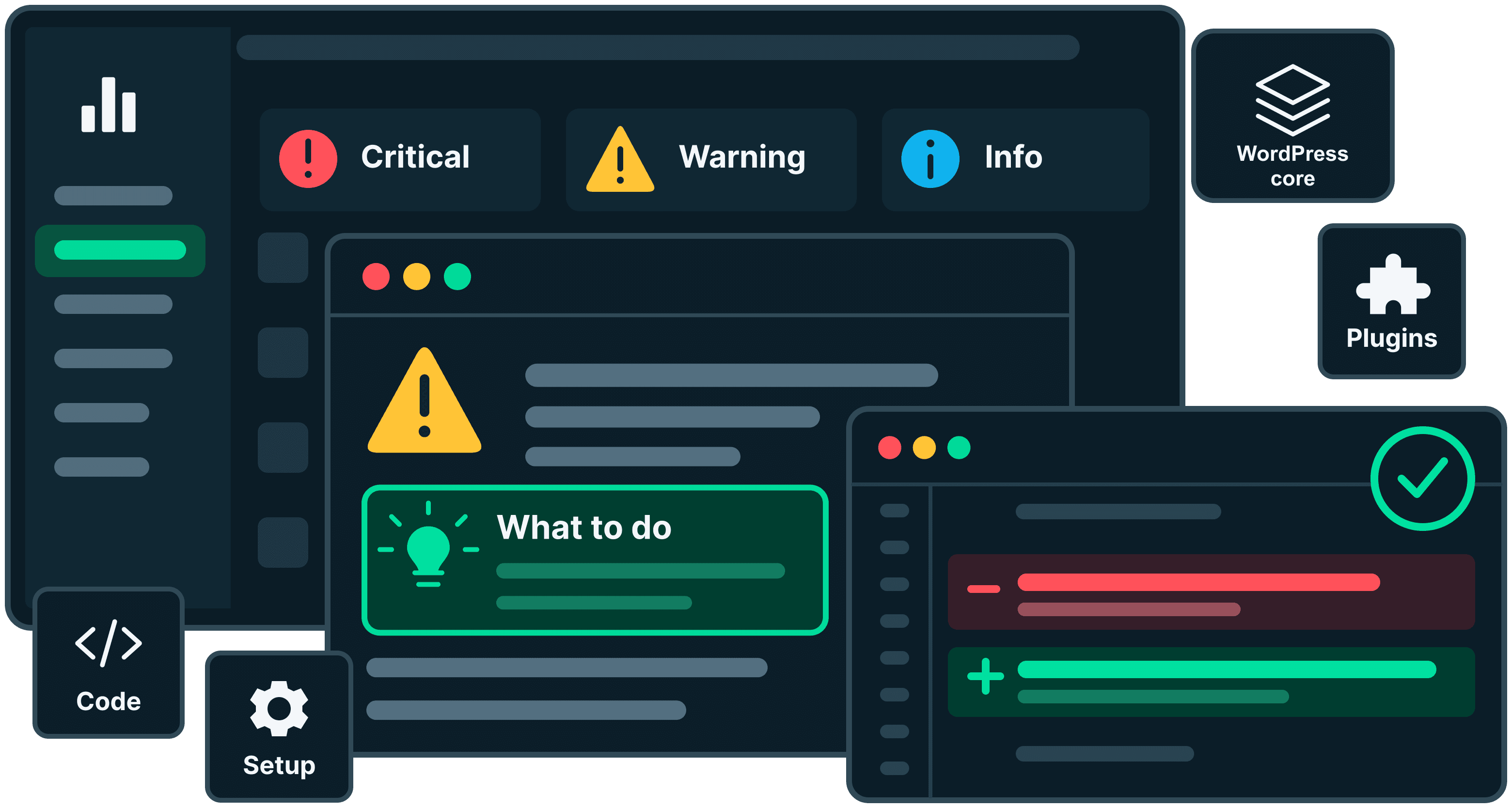
Find code issues in plugins and themes
EarlyGoose checks installed plugins and your active theme, including premium and custom code, for patterns that can cause errors or slow down your site. Find sessions that interfere with caching, database queries that load too many records and debugging output left in the code. Each finding explains what to review and why.
Scanning your site
3 of 53: wp-admin/includes
Keep this page open until the scan finishes.
Frequently asked questions
- What does the scan check?
- Does it check custom themes and plugins?
- Is it safe to scan my live site?
- Is this a security scanner?
- Does the scan send data outside my site?
- Does it run automatically or keep a history?
Active theme and custom code3
Starting a PHP session makes every page unique to the visitor, so nothing can be cached. One line here slows down the entire site.
Starts a session (1)
wp-content/themes/larkspur/functions.phpline 18session_start();
Most of what sessions get used for can be done with cookies or transients instead. If a plugin adds this, its author is the one who can take it out.
This code asks the database for everything at once with no limit. It is fine while there is little content and gets slower, then fatal, as the site grows.
Asks for everything (1)
wp-content/themes/larkspur/inc/events.phpline 41$events = get_posts( array( 'post_type' => 'event', 'posts_per_page' => -1 ) );
Set posts_per_page to the number you actually need. If you genuinely need all of them, fetch them in batches.
This code prints internal details straight onto the page whenever it runs. Visitors see it when the surrounding code is reached.
Prints to the page (1)
wp-content/themes/larkspur/template-parts/booking.phpline 27var_dump( $booking );
Delete the line. It was almost certainly added while somebody was working on something and never taken out.
Premium and custom plugins1
This query is assembled as text rather than using the safe method WordPress provides. If any part of it comes from a visitor, they can change what the query does.
Query built from text (1)
wp-content/plugins/booking-desk-pro/includes/class-slots.phpline 212$rows = $wpdb->get_results( "SELECT * FROM {$table} WHERE slot = '$slot'" );
This is not something to fix by editing the plugin, because the next update would undo it. Report it to whoever makes the plugin, and if you can do without it, take a backup of the site and remove it.
Check for file changes before you update
EarlyGoose compares WordPress core and supported WordPress.org plugins with their published versions to find modified, missing and unexpected files. Review direct edits that an update could overwrite, or check an unfamiliar site for differences that need investigation. With Monitoring, Update Analyzer also checks available updates against your code before you install them.
WordPress core, structure and setup1
Core files should match exactly what WordPress published for this version, so anything here that does not is worth dealing with before the rest. The configuration items are settings somebody chose, and can change again.
These files are part of WordPress itself, and they are not the ones WordPress.org published for the version this site runs. WordPress replaces its own files on every update, so an edit made here is undone by the next update whether or not anyone meant it to be. A core file that changed on its own is the one result on this page worth acting on today.
Files that are missing (1)
wp-admin/media.php
Take a backup of the site first. Then go to Dashboard, then Updates, and press Reinstall. That puts the official files back without touching your content, your plugins or your theme.
Plugins from WordPress.org1
Every file in these matches the copy its author published, so nothing has been changed on your site and there is nothing here for you to edit. Anything found is the author's to fix and is worth reporting to them. Worth knowing: WordPress.org reviews a plugin when it is first submitted and does not review the updates that follow, so this is not a quality guarantee.
The copy of this plugin on your site is not the copy WordPress.org serves for this version number. Sometimes that is a deliberate edit, and it will be wiped out by the next update of this plugin. Sometimes it is a file somebody put in a plugin folder because it was a convenient place to hide one. The file names below usually make it obvious which.
Files that do not match the published version (1)
wp-content/plugins/seo-toolkit/includes/class-sitemap.php
Take a backup of the site first. If nobody meant to change it, reinstalling the plugin from Plugins, then Add Plugin, replaces it with the published copy and loses whatever was changed. If somebody did mean to change it, that work belongs somewhere it will survive an update.
Find settings that need attention
Check for overdue scheduled tasks, errors displayed on live pages, unsupported PHP versions and settings that discourage search engines from indexing your site. The report explains each issue and where to review it, so you can address configuration problems alongside code fixes.
WordPress core, structure and setup4
WordPress is set to discourage search engines. Google and others will not list the site while this is on. It is easy to switch on during building and easy to forget.
What is set (1)
- Search engine visibility is switched off in Settings, Reading
In Settings, Reading, clear the box that discourages search engines. It can take some days for them to come back afterwards.
Work the site schedules for itself is overdue. Backups, scheduled posts and cleanup jobs quietly stop when this happens, and nothing announces it.
Overdue (1)
- wp_scheduled_delete is 3 days overdue
If your host runs a real timer for WordPress, check it is still running. If not, remove DISABLE_WP_CRON from wp-config.php so WordPress can run the work itself when visitors arrive.
The site is set to print technical errors onto the page. Visitors can see file paths and internal details, and the site looks broken when anything goes wrong.
What is set (1)
- WP_DEBUG is on and WP_DEBUG_DISPLAY is not switched off
In wp-config.php set WP_DEBUG_DISPLAY to false, or switch WP_DEBUG off entirely. Errors then go to the log rather than onto the page.
The server runs a version of PHP that no longer gets security updates, or one older than a plugin here says it needs. Either way, things will start breaking.
What was found (1)
- PHP 8.0.30 no longer receives security updates
Ask your host to move the site to a newer PHP version. Most control panels offer it as a dropdown. Take a backup first, and look over the site afterwards.
Understand what was checked and how your site is set up
Coverage shows which plugins, themes and core files were checked, what they were compared against and where verification wasn’t possible. Good to know highlights important facts about your site’s setup, separate from issues that need fixing. Together, they help you understand the report and the limits of its checks.
Important facts about your site setup that are easy to miss.
A WordPress update is waiting
WordPress 7.1.1 is available and this site has not been updated to it yet. Updates carry security fixes, and the longer a site sits behind the more there is to go wrong when it finally moves.
2 plugins have an update waiting
Newer versions are available. They usually include security and bug fixes. Make sure your site has a backup before you install them.
Some plugins update themselves
At least one plugin on this site is set to update automatically. That keeps it patched without anyone remembering to, and it also means the code running on your site can change without anyone being told. When a site behaves differently one morning and nobody touched it, this is usually the reason.
Inactive plugins are still on the server
2 plugins are installed but switched off. Being switched off stops WordPress loading them, and it does not remove their files. Deleting the ones you are not going to use again is the only thing that does.
Plugin and theme files can be edited from the admin screen
WordPress has a built in editor that changes plugin and theme files directly, from the browser, with no undo and no copy of what was there before. Anyone who can reach your admin area as an administrator can use it. Adding DISALLOW_FILE_EDIT to wp-config.php turns it off, and almost nobody edits files that way on purpose.
WordPress core, structure and setup1
| Name | Version | Origin | Checked against |
|---|---|---|---|
| WordPress core | 7.0.5 | WordPress.org | 3,501 files |
Active theme and custom code1
| Name | Version | Origin | Checked against |
|---|---|---|---|
| Larkspurby Northlight Studio | 2.4.1 | Not from WordPress.org | WordPress.org publishes no file list for themes, so there is nothing to compare this against. |
Premium and custom plugins1
| Name | Version | Origin | Checked against |
|---|---|---|---|
| Booking Desk Proby Wavecrest Labs | 2.3.0 | Not from WordPress.org | This plugin does not come from WordPress.org, so there is no published copy to compare against. |
Plugins from WordPress.org2
| Name | Version | Origin | Checked against |
|---|---|---|---|
| SEO Toolkitby Fieldstone Software | 4.0.2 | WordPress.org | 412 files |
| Duplicate Post Helperby Juniper Plugins | 4.6 | WordPress.org | 96 files |
Not being verifiable is a limit of the method, not a judgement about the code.
See what to fix first
Findings show their severity and whether they relate to your own code, a third-party plugin or WordPress itself. Plain-language explanations and suggested next steps help you decide what needs attention. Review the report in WordPress or email it to your developer with the file details they need to investigate.
WordPress core, structure and setup2
Core files should match exactly what WordPress published for this version, so anything here that does not is worth dealing with before the rest.
Active theme and custom code1
This is the code you, or whoever built this site, can change. Findings here are the ones you can act on directly.
Plugins from WordPress.org1
Every file in these matches the copy its author published, so nothing has been changed on your site and there is nothing here for you to edit.
Email report
Send the report through your site's mail system, with an optional note.
Send to- Maya Lindqvist <maya@northlight.studio>
- Jonas Ekberg <jonas@northlight.studio>
- Sofia Brandt <sofia@northlight.studio>
Pick a user of this site or type any email address. Up to five, each gets their own copy.
Note (optional)Reports may include file paths, code excerpts and site settings. Share them only with people you trust.
Email report
Keep your sites checked with Monitoring
Monitoring scans your sites daily and after changes, and checks plugin and WordPress updates before you install them. It adds deeper code analysis, email delivery tests, WooCommerce checks and alerts for critical issues. Manage every site from one dashboard with your team.